1
Create a hero
Pick any class below. Each class keeps its own level and experience.
!hero rangerCreate a hero, join an expedition, and watch your character fight automatically on stream. You only need a few commands to begin.
Create and manage heroes through Twitch chat. Everyone can play! Non-followers can level up to 15; follow the channel to keep leveling. At the guest cap, you can still adventure and earn loot and gold, but extra XP is not banked. The battles themselves are automatic.
Pick any class below. Each class keeps its own level and experience.
!hero rangerWhen Heroes Assemble appears on stream, recruitment is open for 60 seconds.
!joinToggle between offensive and defensive behavior whenever you need to.
!stanceYour hero automatically checks and equips the best usable gear.
!gearNo hero yet? During recruitment, use !join ranger or another class name to create a level 1 hero and join in one step.
Switch classes with !hero class_name. Every class levels separately, and switching never deletes progress from your other classes.

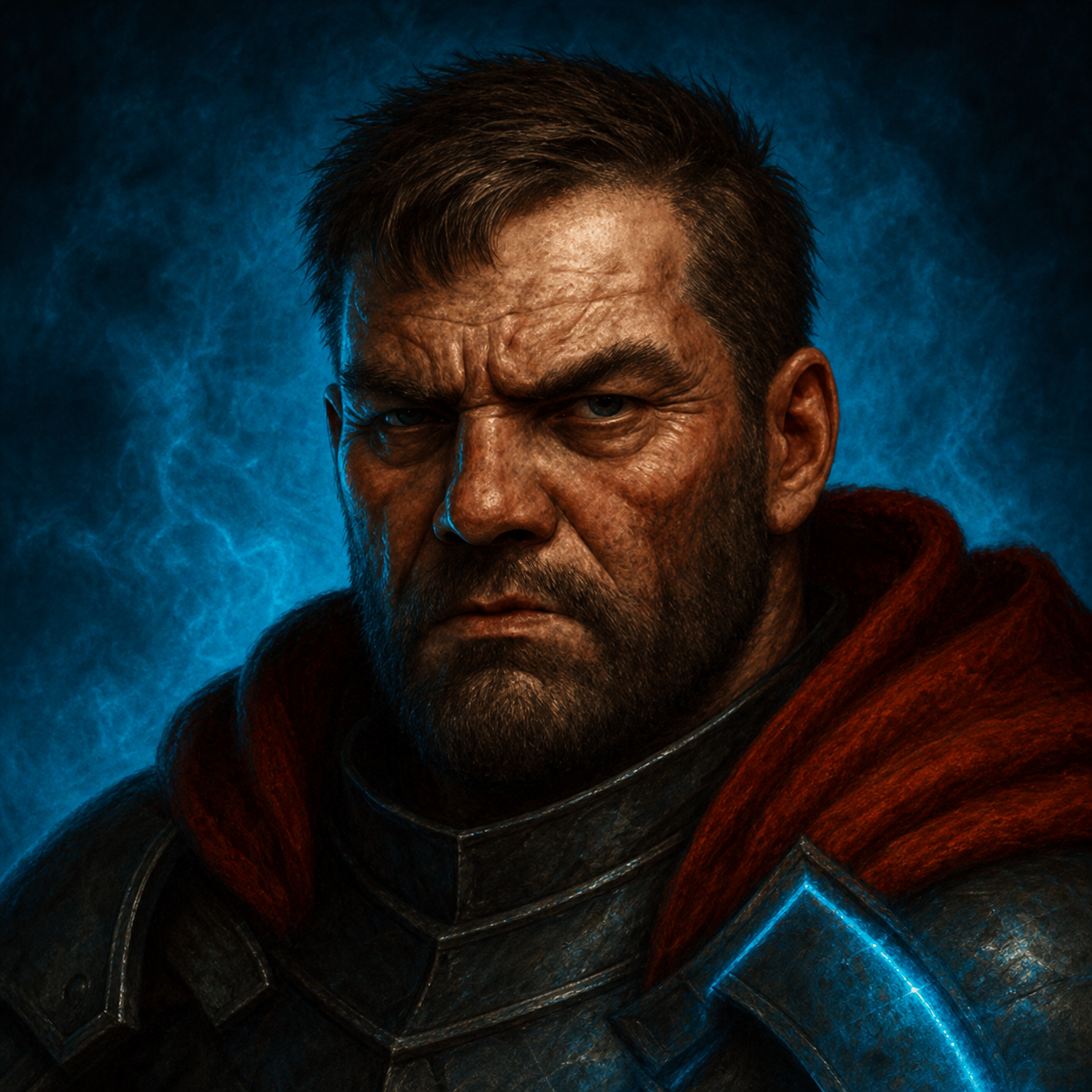
Defensive tank who taunts every enemy, intercepts attacks aimed at allies, and stuns dangerous targets.
!hero ironbreaker
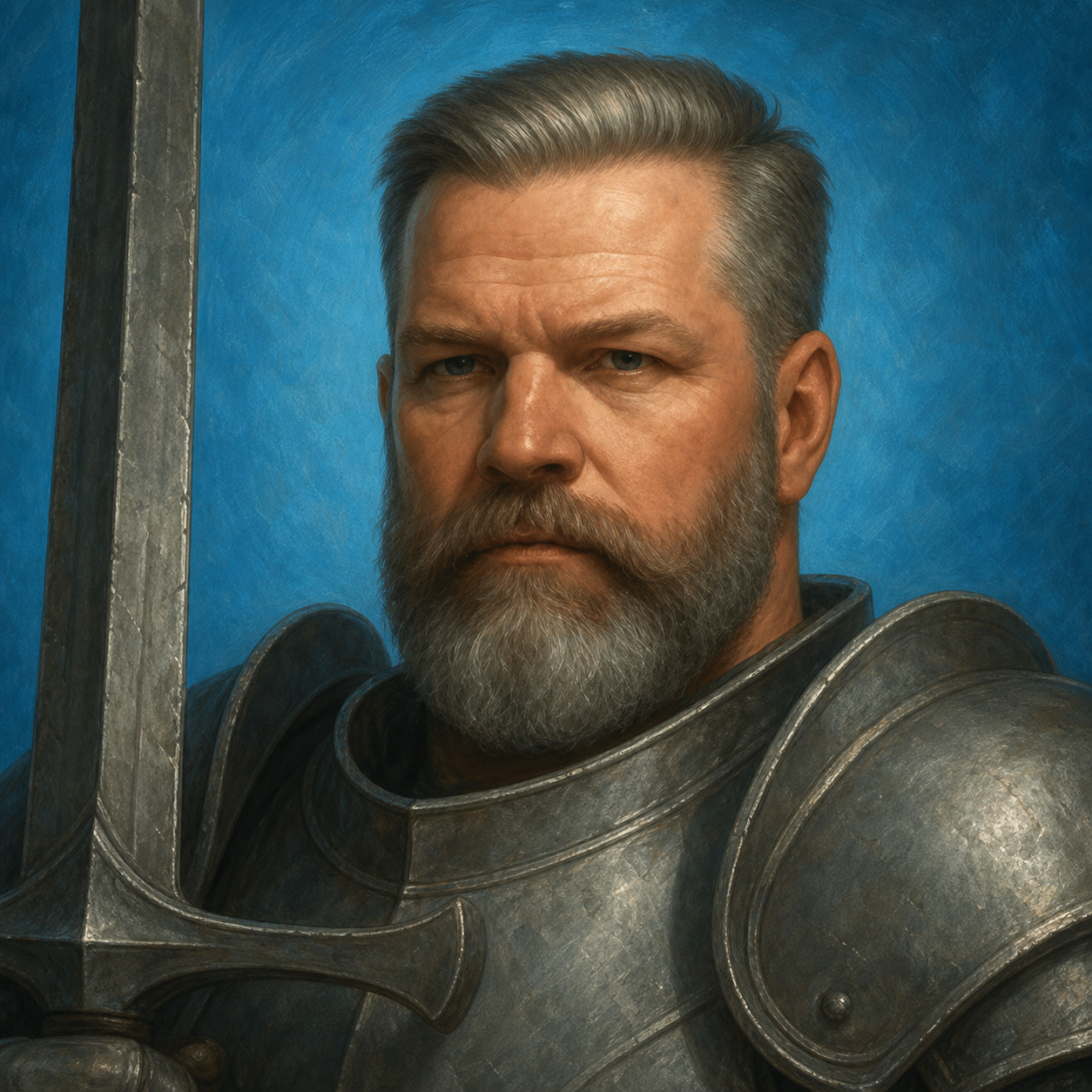
Offensive tank whose sweeping strikes hit two enemies. Parries and counters attacks, executes low-health bosses, and taunts bosses and their guards.
!hero blademaster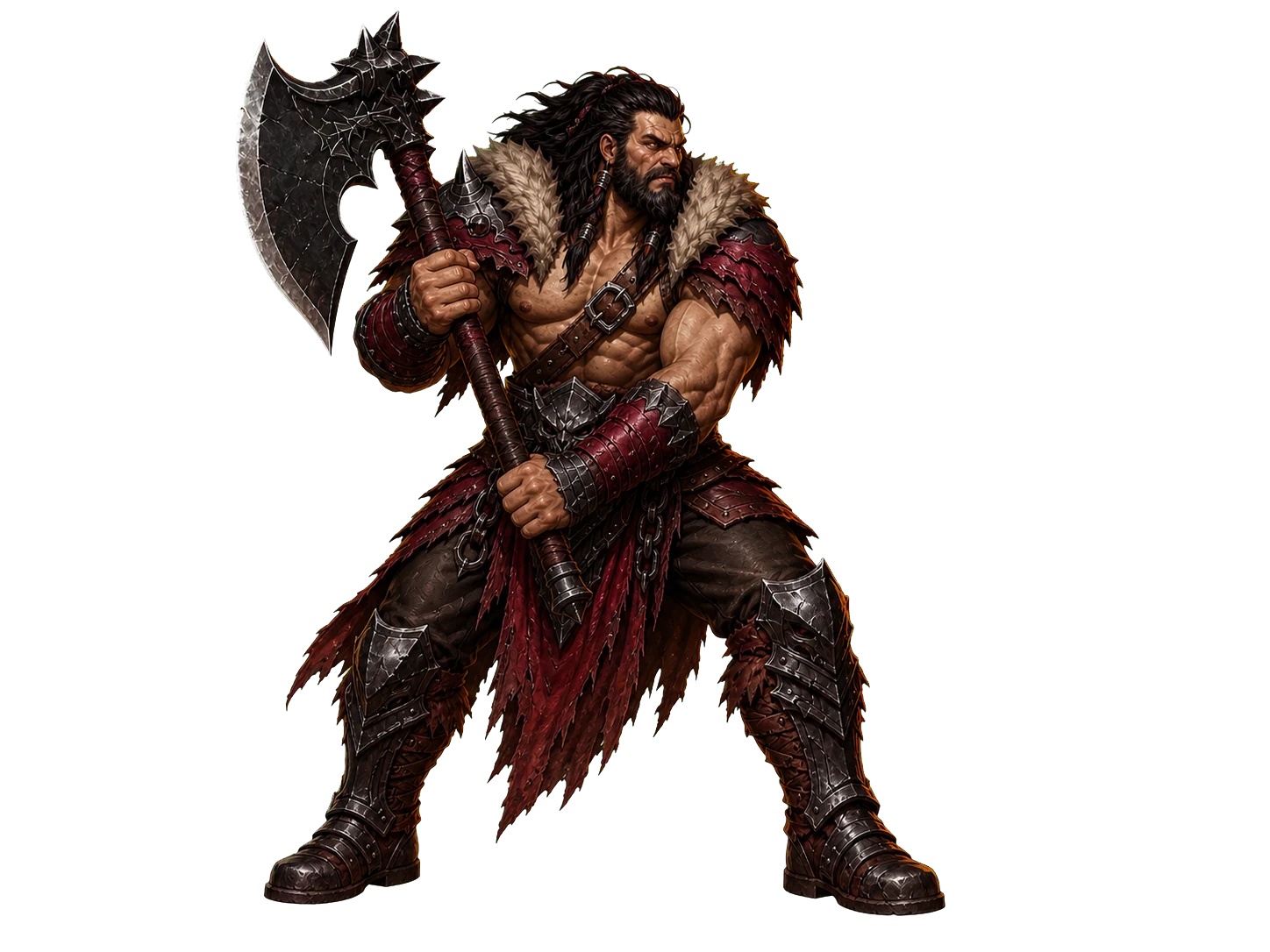
Rage-powered physical damage dealer who grows stronger while wounded, tears through groups, and hurls an unavoidable axe at flying or grounded enemies.
!hero berserker
Defensive damage dealer who weakens enemies, restores nearby allies’ health and mana, strikes hard, and can train to revive a fallen ally.
!hero monk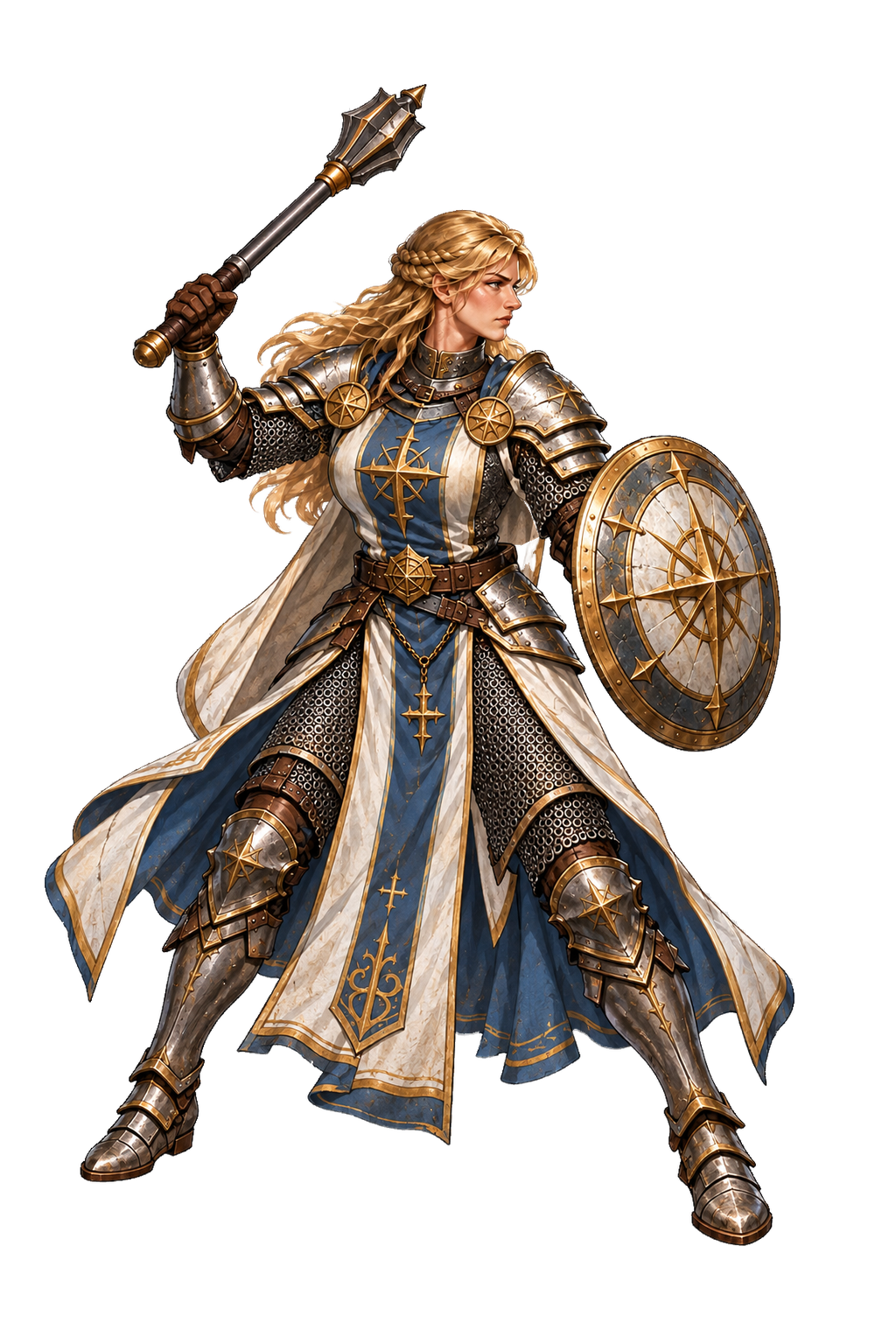
Mid-row physical fighter and healer. Combines Blessed Strikes, Judgement and Holy Weapon with healing, cleansing and resurrection.
!hero cleric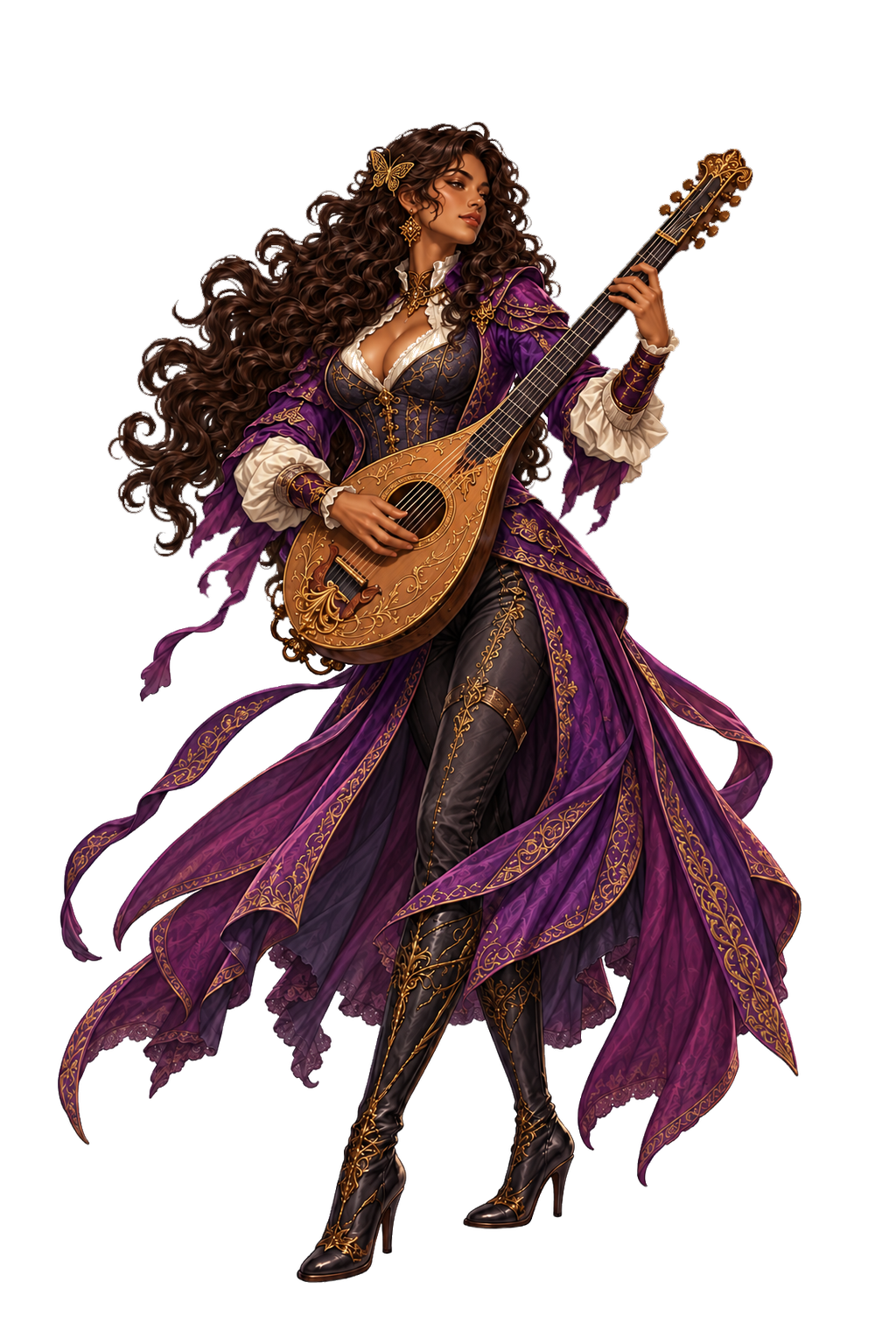
A magical healer and support musician. Crescendo mends up to four nearby allies and raises their Speed; songs restore Mana, empower allies, weaken enemies and revive fallen heroes.
!hero bard
Nets flying enemies to the ground, marks a boss or bodyguard to increase damage from every ally, and gains powerful area attacks with training.
!hero ranger
Fast elemental attacker with high evasion and critical chance. Hits flying enemies, exploits several weaknesses, hides from danger, and backstabs for heavy damage.
!hero ninja
Master of every element who identifies weaknesses and nullifies enemy strengths with a wide spell arsenal. Can summon rain to suppress fire, but needs protection in close combat.
!hero elementalistTwitch supports nine standalone class shortcuts: !ironbreaker, !monk, !ninja, !cleric, !bard, !ranger, !berserker, !elementalist, and !blademaster. You can also use !hero class_name.
Type !gender to swap your currently selected hero between its male and female appearance. Gender changes the character sprite and portrait you see on the recruitment screen, team introduction, battlefield, and results cards.
Gender is completely cosmetic. It does not change stats, abilities, level, experience, gear, loot, damage, healing, or class progress. You can swap whenever you like.
!gender

Each class has its own level and XP. Switching from a level 20 Ranger to a new Cleric starts that Cleric at its own level without erasing the Ranger.
The game checks your inventory when you adventure, switch class or use !hero. It equips the strongest item your current class and level are allowed to use.
!stance switches between Offensive and Defensive. Offensive makes your hero choose damage skills more often. Defensive makes your hero choose healing, protection, and enemy-control skills more often.
Use !gear for the gear-page address in chat. Sign in with Twitch to view every class level, switch heroes and manage your gear. If you are already signed in, your own page opens automatically. Your career page shows your adventure history and lifetime achievements.
These are the commands a player needs most often.
| Command | What it does |
|---|---|
!hero class_name | Create or switch to a class on Twitch. |
!hero | Show your selected class and level; also checks gear. Works in Twitch chat. |
Twitch class shortcuts | Nine standalone shortcuts are listed above; each creates or switches directly to its class. |
!join | Join open recruitment with your selected hero. |
!join class_name | During open recruitment, create that class at level 1 if needed, then join. |
!stance [offensive|defensive] | Toggle your stance or select Offensive or Defensive directly. |
!gender | Toggle your selected hero's cosmetic Male/Female appearance. |
!gear | Post the hero-page address in chat; sign in to manage your heroes, gear and belt. |
!rpghelp | Open this guide. |
!adventure | Broadcaster, moderator, or VIP: open adventure recruitment. |
!start | Current adventure host, broadcaster, moderator, or VIP: start the adventure early. |
!reset / !resetadventure | Current adventure host, moderator, or broadcaster: reset the active adventure. !resetadventure is a legacy alias for !reset. |
!autoon / !autooff | Broadcaster only: enable or disable back-to-back automatic adventures. |